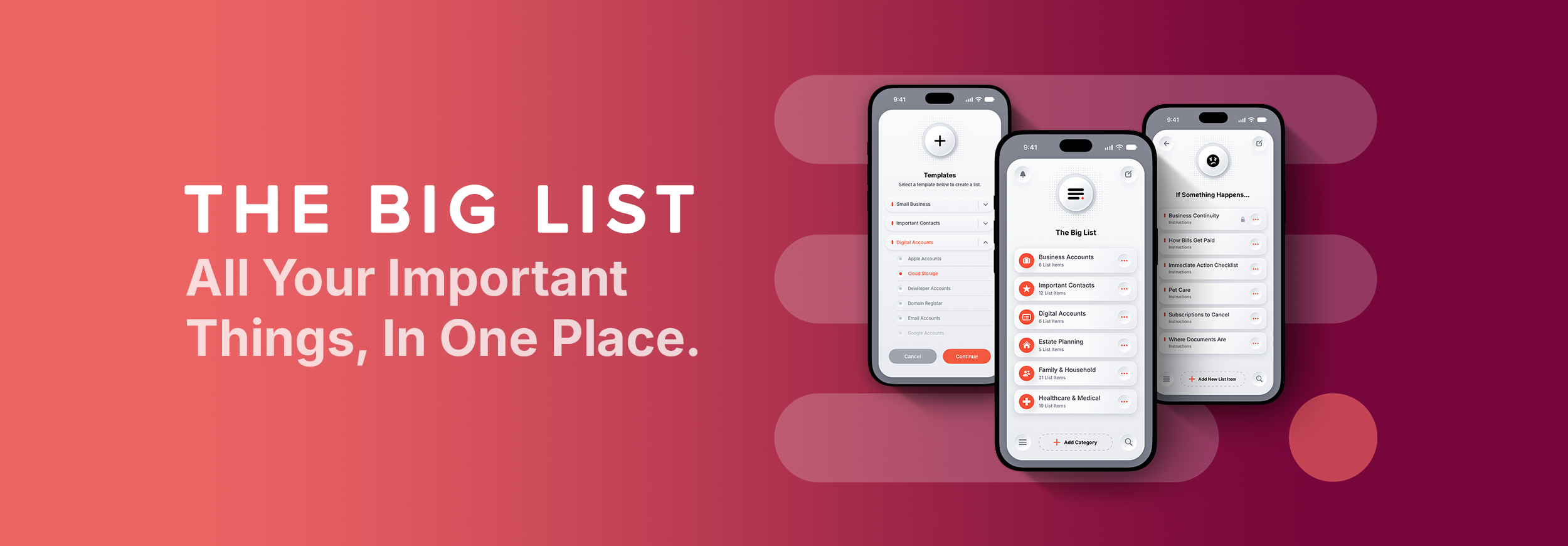

01. Create Your Categories
Choose from our ready-made categories or create your own. Organize everything from digital accounts and insurance to household information and whatever else matters to you.

The Big List is a smarter way to organize everything that matters in your life. From subscriptions and finances to important documents, insurance policies, household details, and more. The Big List keeps it securely all in one place with customizable lists built around you.
The Big List gives you one secure place to store all of your important accounts, documents, contacts, banking information, insurance policies, household details, and everything else that matters.
Choose from ready-made templates or create your own lists from scratch. Add photos, upload documents, and designate a trusted recipient in case something happens to you. Welcome to an organized YOU.

Because Life Is Messy.
The Big List is a secure information management app for your personal and business life. You know you have that important information somewhere. But is it in an email, a filing cabinet, another app, or buried in a drawer? Finding what you need, when you need it, shouldn't feel like a scavenger hunt.
Important information ends up scattered across emails, apps, piles of paperwork, between the couch cushions, and in places you can't always remember. The Big List brings everything together in one secure, organized place.
Account details, renewals, important dates, and things you meant to write down can easily slip through the cracks. The Big List helps you keep track of them so they're there when you need them.
If something unexpected happens, would the people you trust know where to find your important information? The Big List lets you designate a trusted recipient so they aren't left searching for answers.

Getting Organized Is as Easy as 1, 2, 3.
Start with a category, then add your important information using ready-made templates or create your own custom List Items. Build your lists around the things that matter to you. It's really that simple.
Choose from our ready-made categories or create your own. Organize everything from digital accounts and insurance to household information and whatever else matters to you.
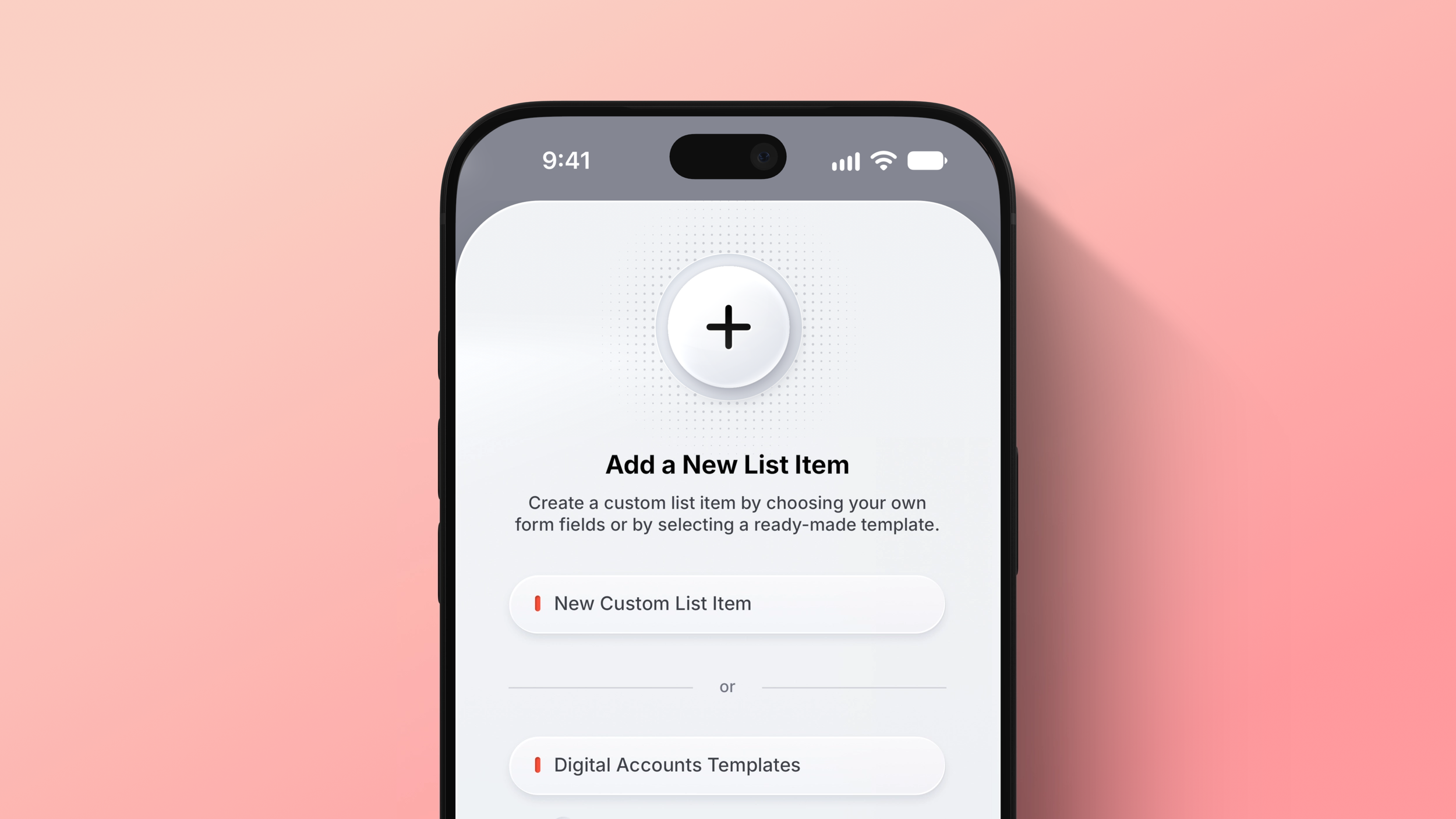
Create a List Item within your category. Choose a ready-made template or build your own with custom fields for the information you want to keep track of.

Keep adding List Items until you've captured everything important. Your information stays organized, easy to find, and ready whenever you need it.
More Ways to Use It Than You Can Imagine.
The Big List is designed for anyone with important information to keep track of. You might be a parent, a pet owner, a caregiver, a homeowner, and a small business owner all at the same time. And with all those responsibilities come questions.
When does my warranty expire? Where did I put the title to my car? What accounts would my family need to know about if something happened to me?
The Big List helps you answer those questions and many more by bringing all those important details together in one place, giving you the flexibility to organize everything your way.
Keep household contacts, appliance info & warranties, family documents, service providers, and everyday household details organized.
Keep photos, purchase receipts, estimated values, and locations of valuable possessions for insurance purposes in case of storm damage, loss, or theft.
Organize healthcare providers, medications, health insurance, medical devices, and care instructions for yourself or loved ones.
Keep track of logins, utilities, subscriptions, memberships, everyday online accounts, and streaming services.
Organize banking information, credit cards, loans, recurring bills, financial records, investments, crypto account information, and important account contacts.
Track home, auto, life, and health insurance policies, coverage documents, provider contacts, premiums, and renewal dates.
Track business records, banking information, vendors, licenses, contracts, tax documents, account details, and important operational information.
Organize details about wills, trusts, beneficiaries, attorneys, important contacts, and where essential documents can be found.
Explore the ready-made categories and List Item templates included with The Big List. Each template already includes fields to help you get started. Add your own fields, create additional List Items, or build entirely new categories to organize everything your way.

See What The Big List Can Do.
From setting reminders and uploading documents to protecting private information and syncing across devices, discover the features that make The Big List so useful. You'll wonder how you ever lived without it.
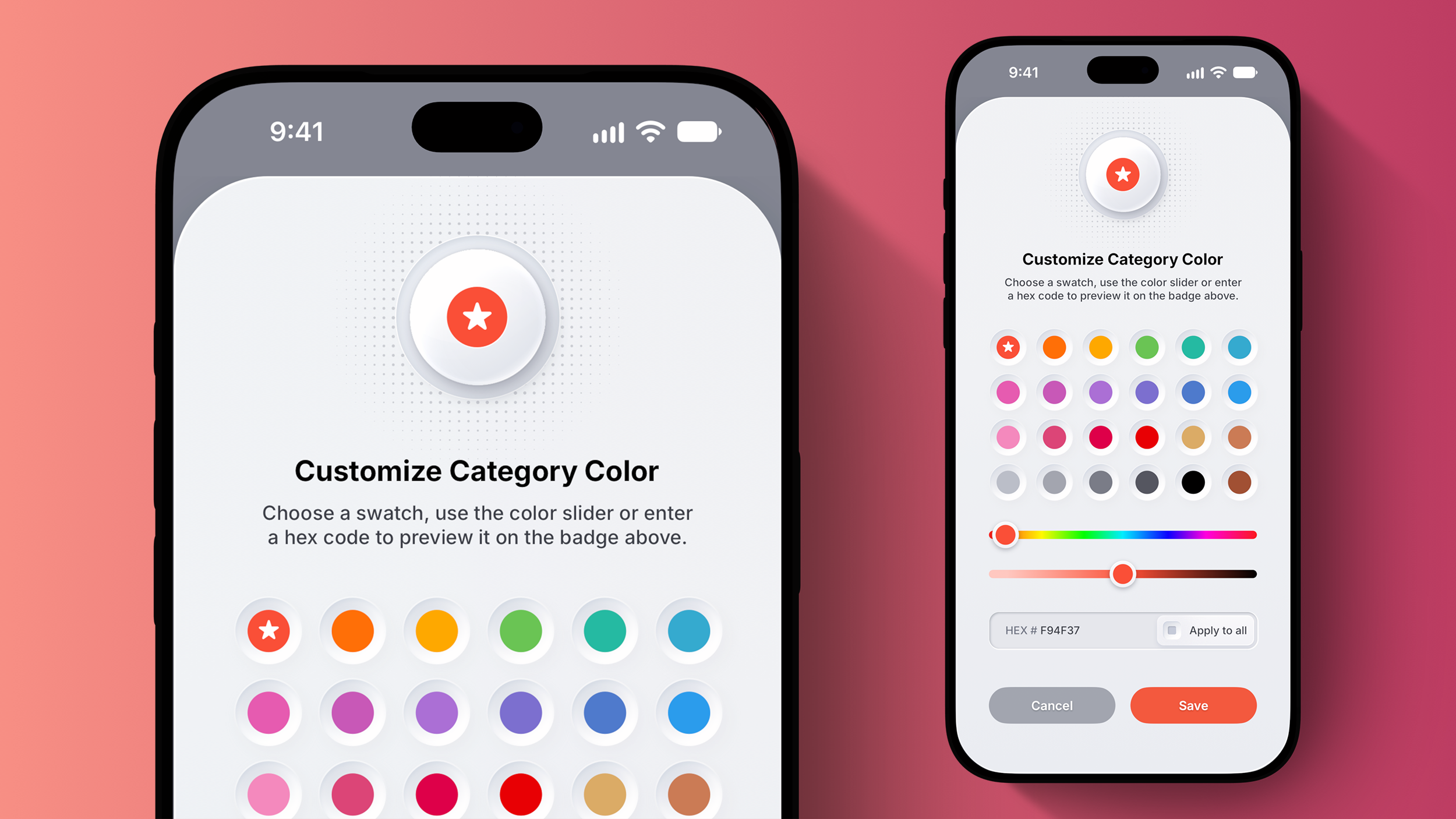
Make The Big List feel like yours. Choose from ready-made color swatches or use the color picker to give each category its own look.
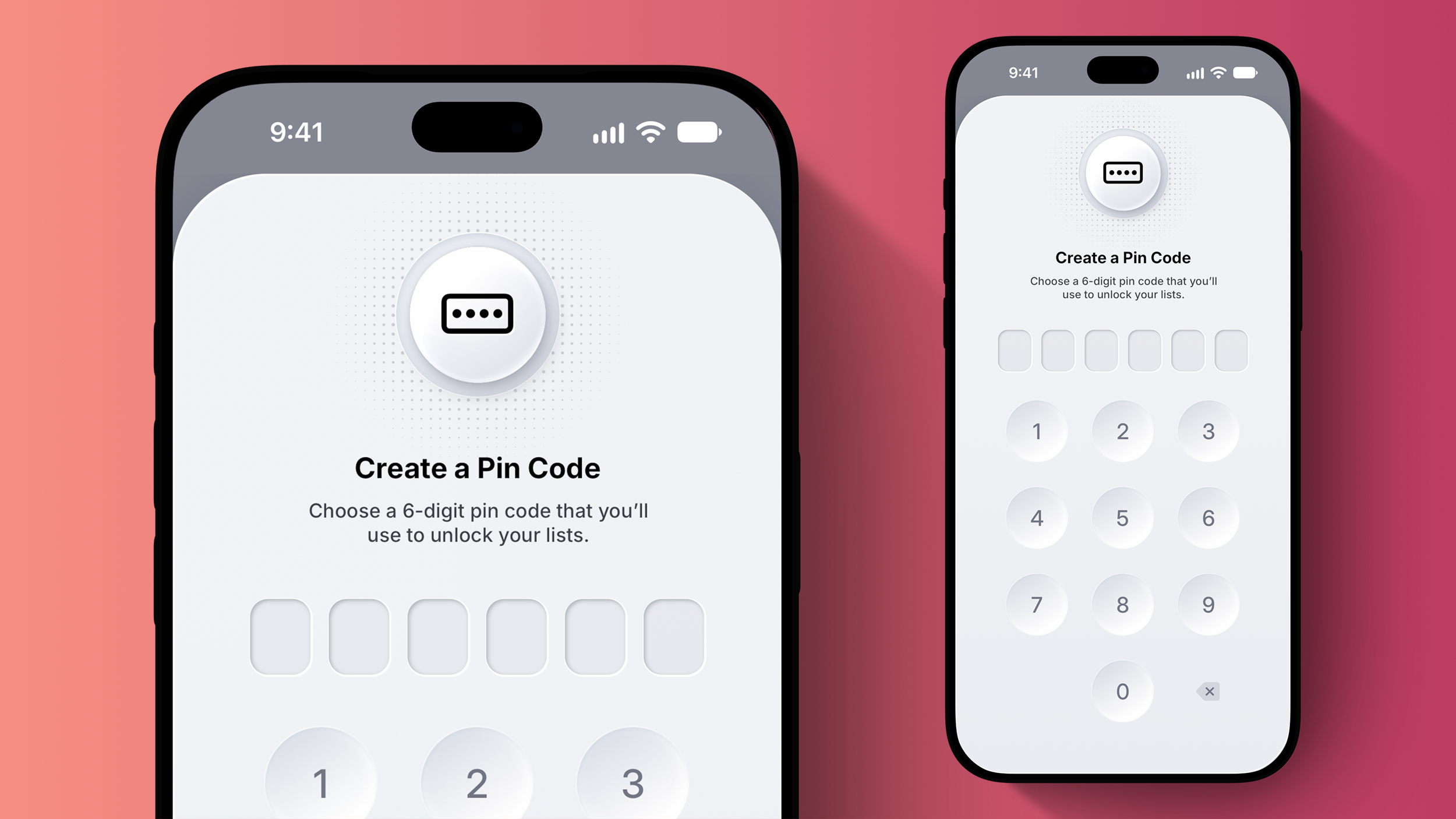
Keep sensitive details private. Lock an entire category or individual list items and require a PIN to open them. PINs add an additional layer of protection.
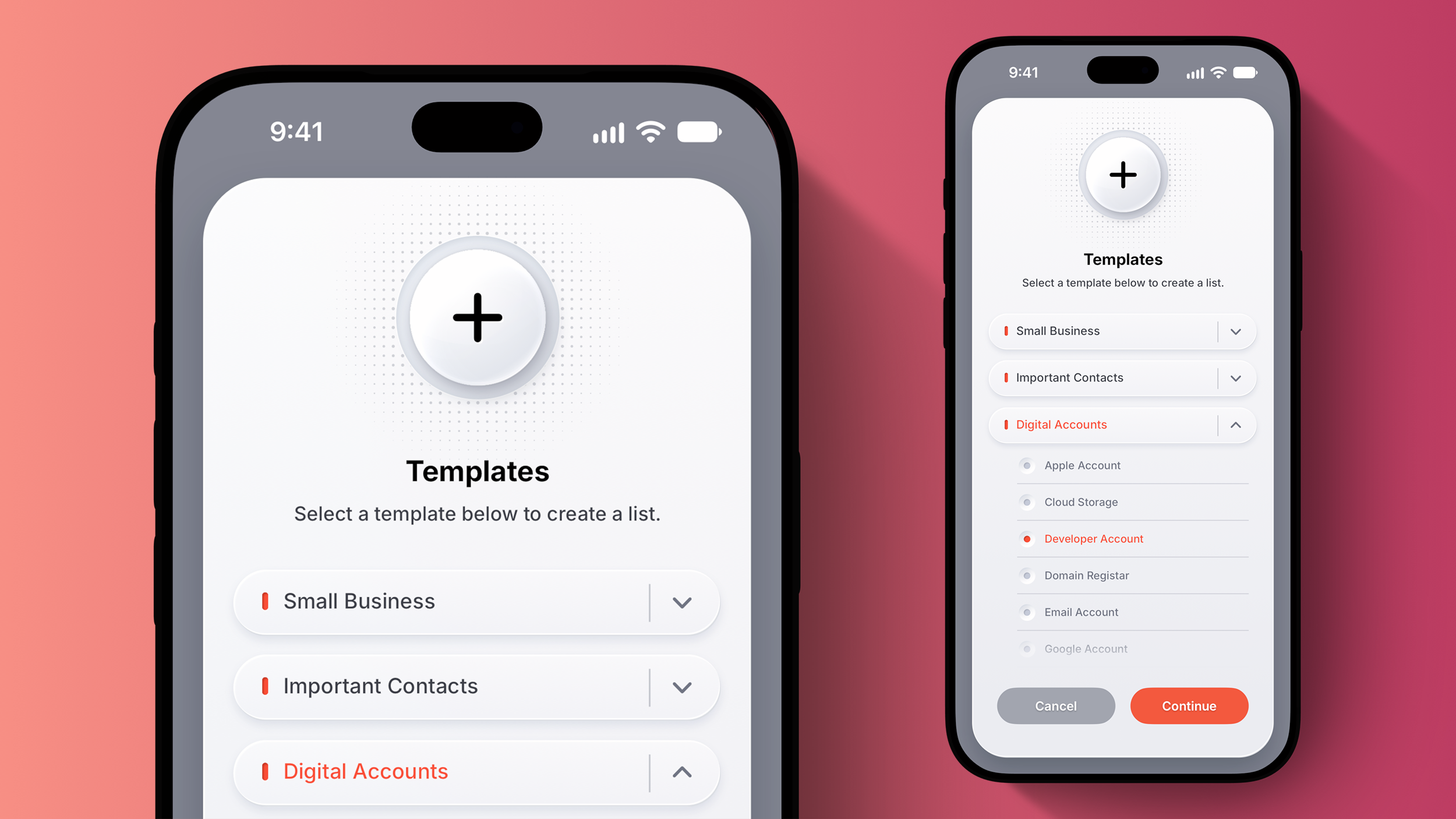
Get organized faster with ready-made templates, or create your own list items with custom fields for the information you want to keep.
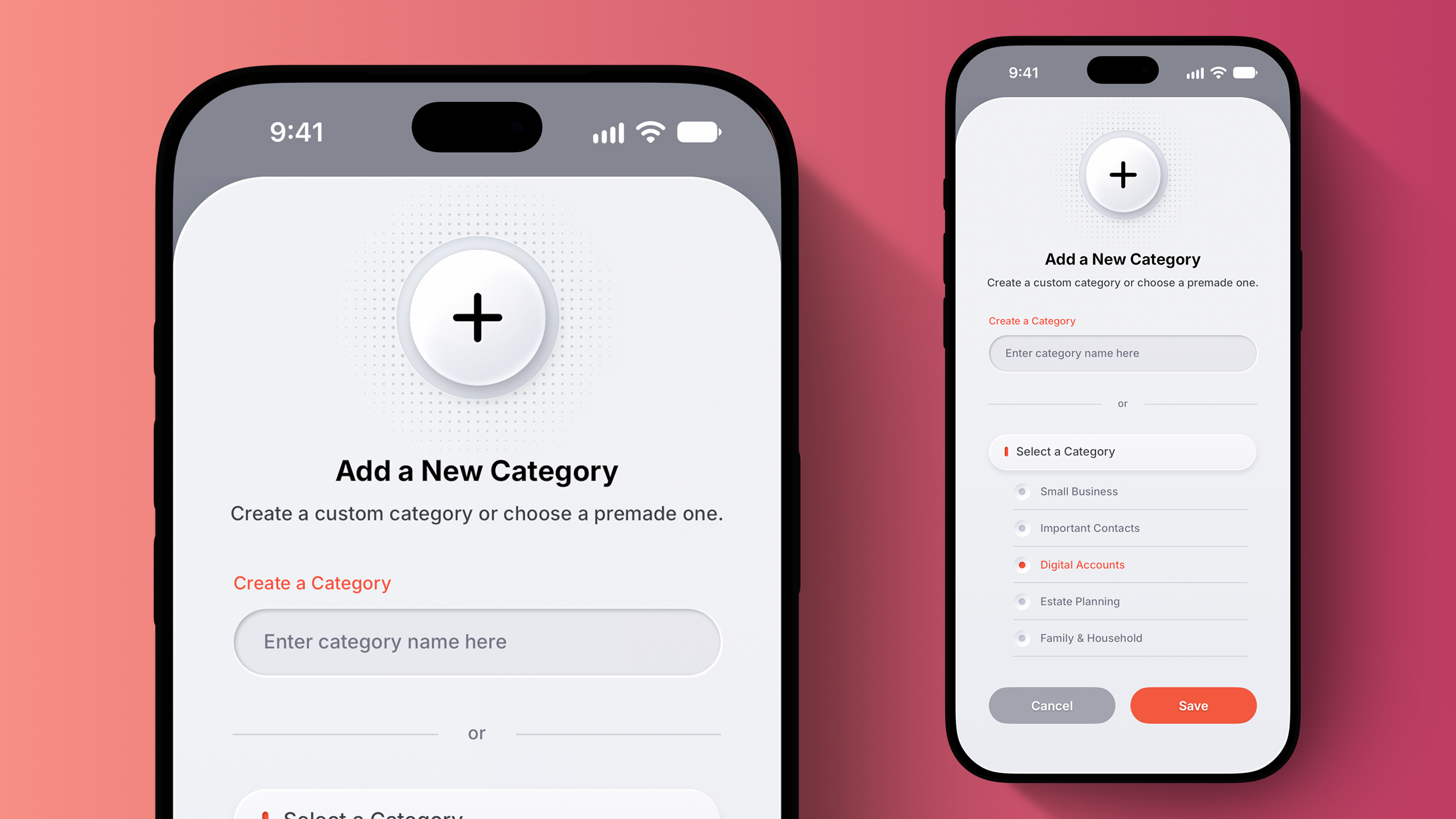
Create your own categories for the things that matter to you. Give each one a name and organize your information exactly how you want.
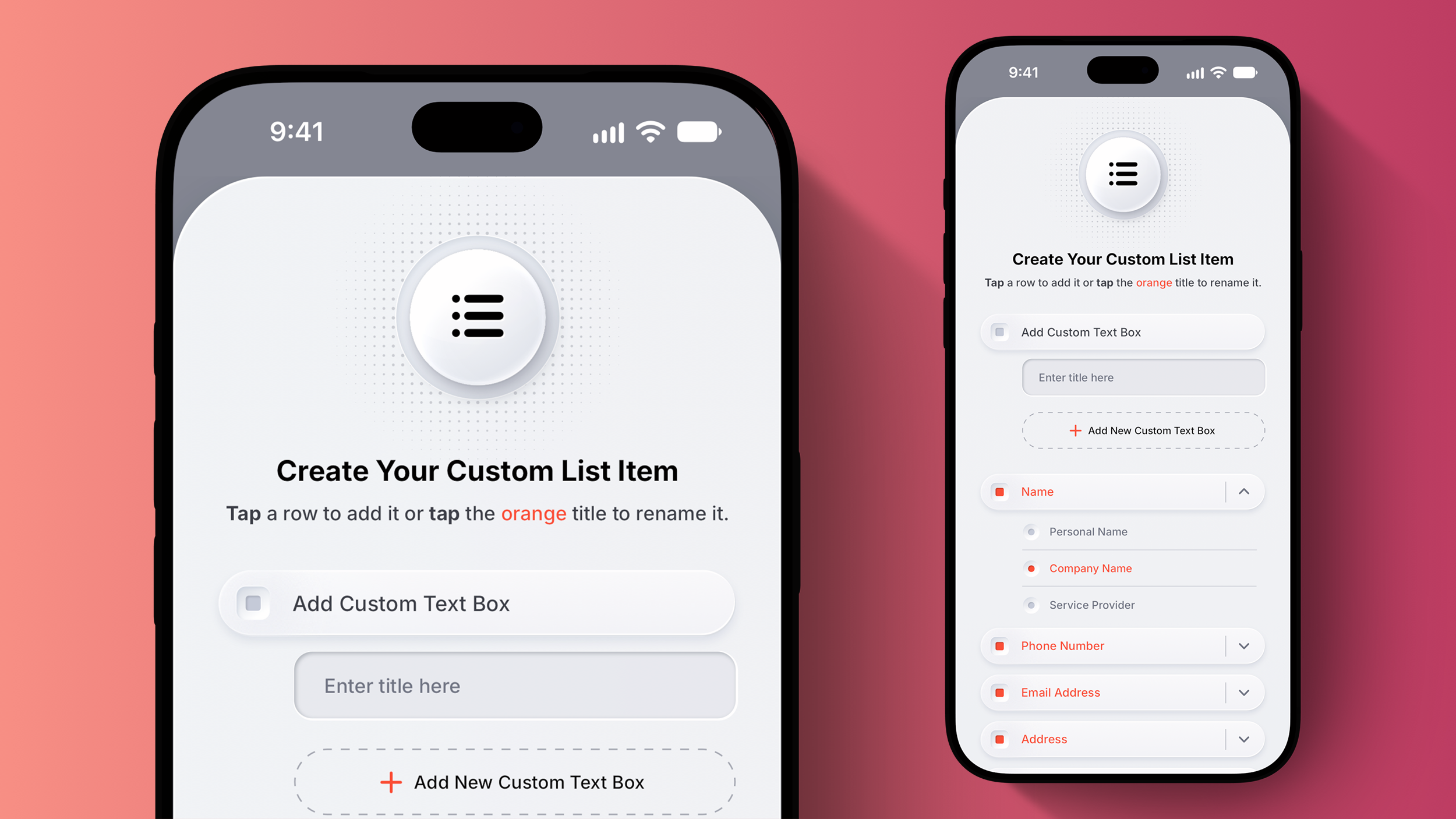
Build list items from scratch with custom fields for the information you need to save. No two lists have to be alike.
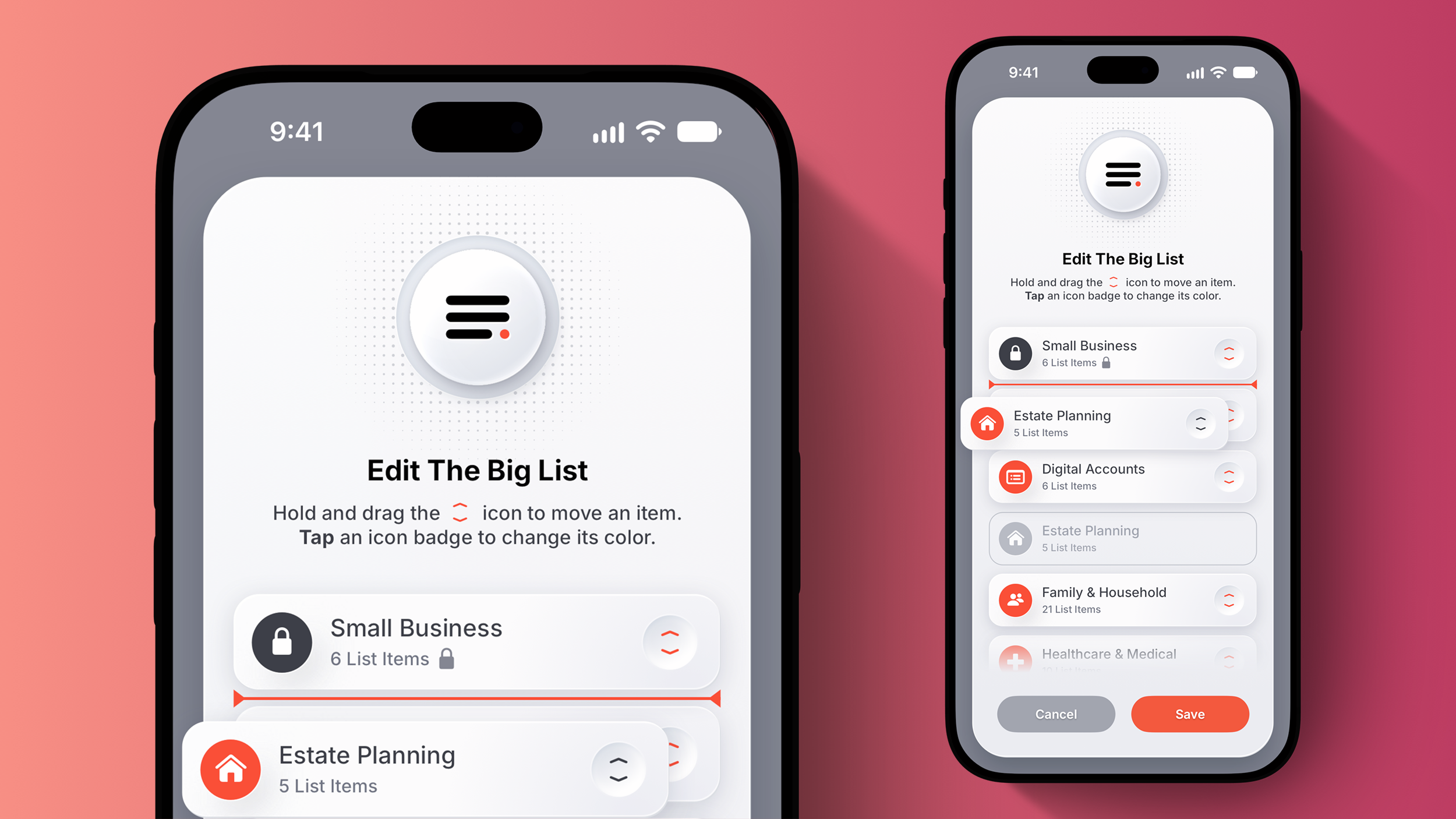
Arrange your list items in whatever order works best for you, keeping the information you need most right where you want it.
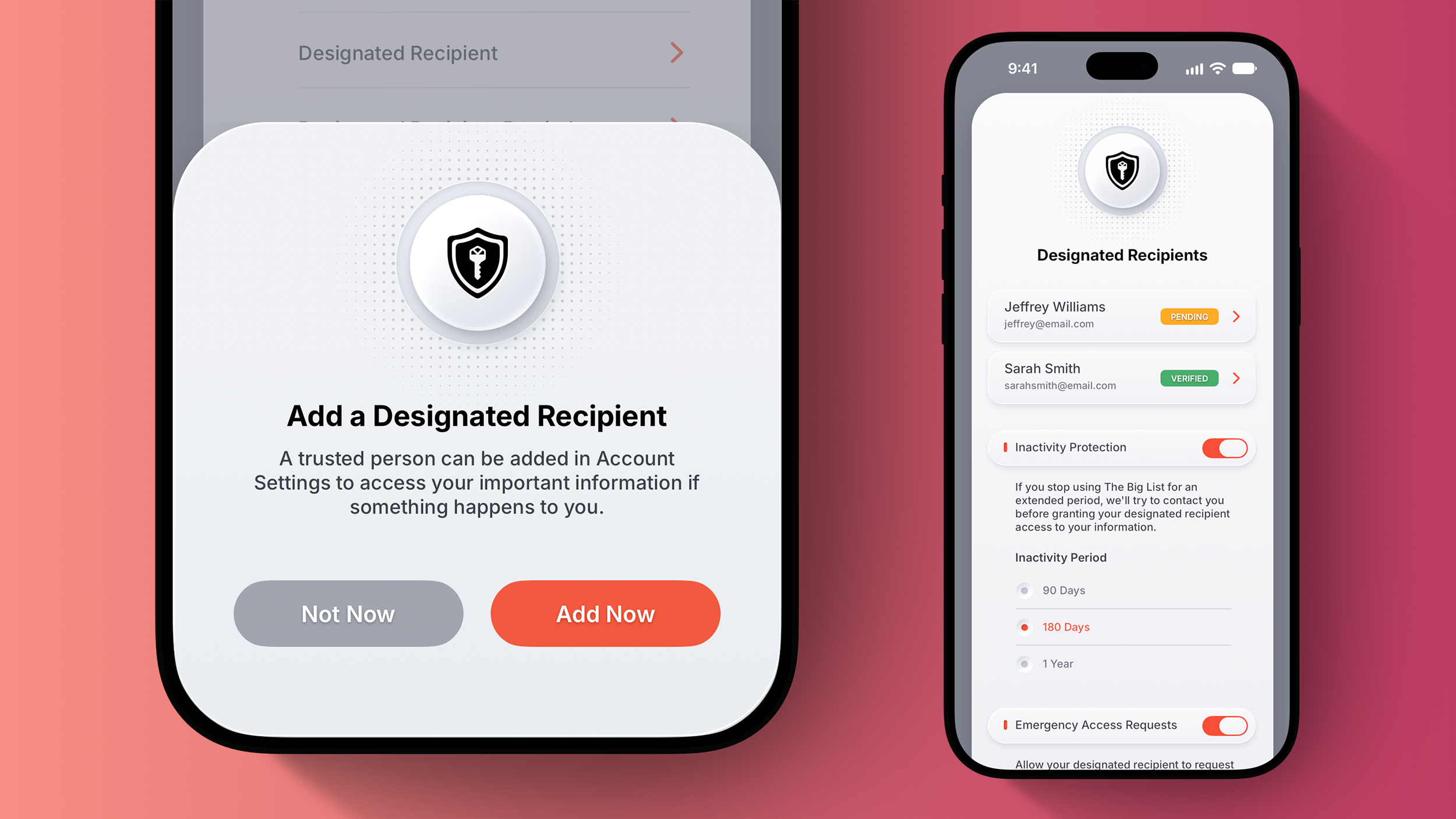
Choose someone you trust to receive your information if your account is inactive for 30, 60, or 90 days. You decide who to name and if they'll gain access.
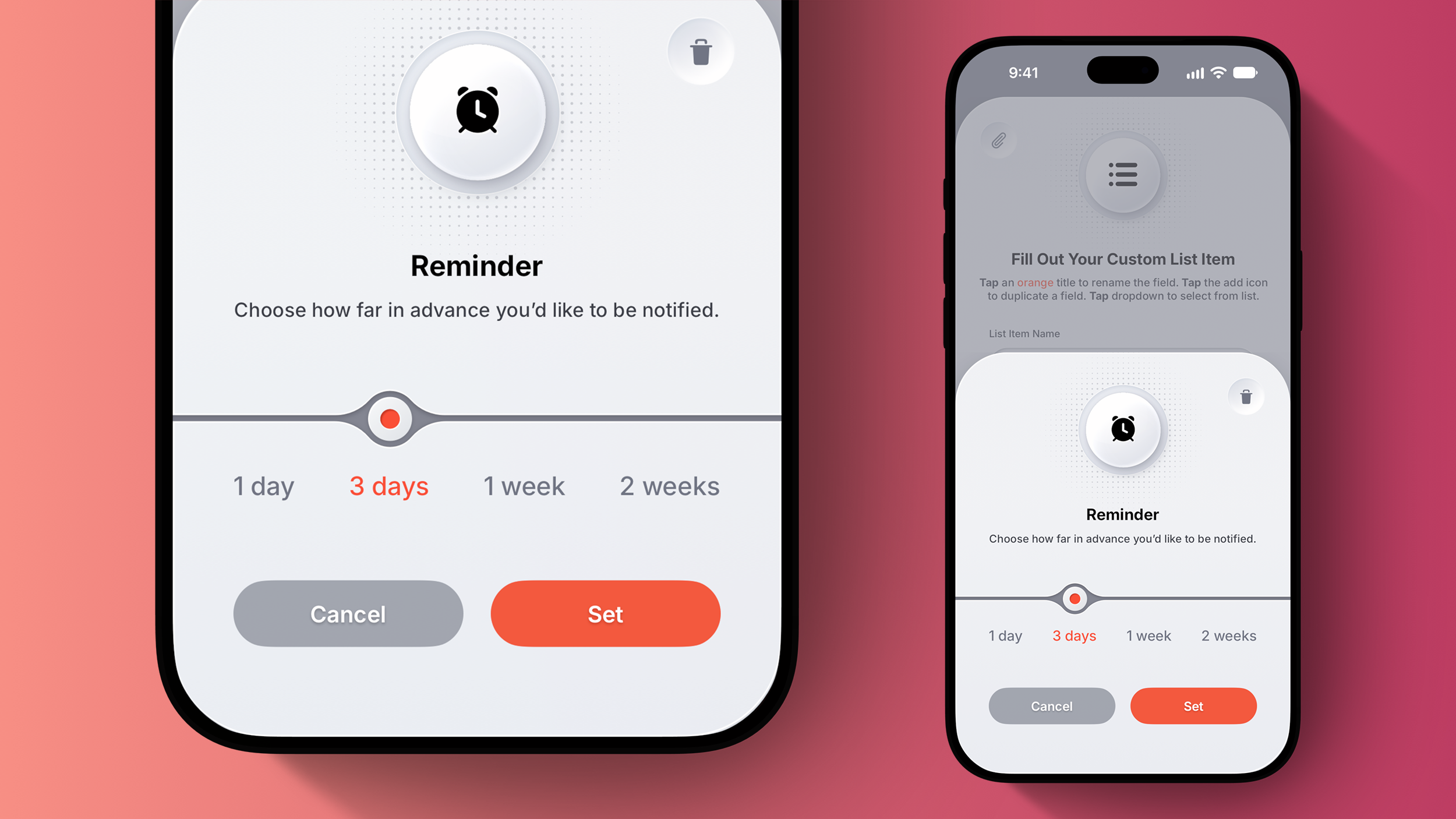
Keep track of important dates and deadlines. Set reminders and choose how far in advance you'd like to be notified.
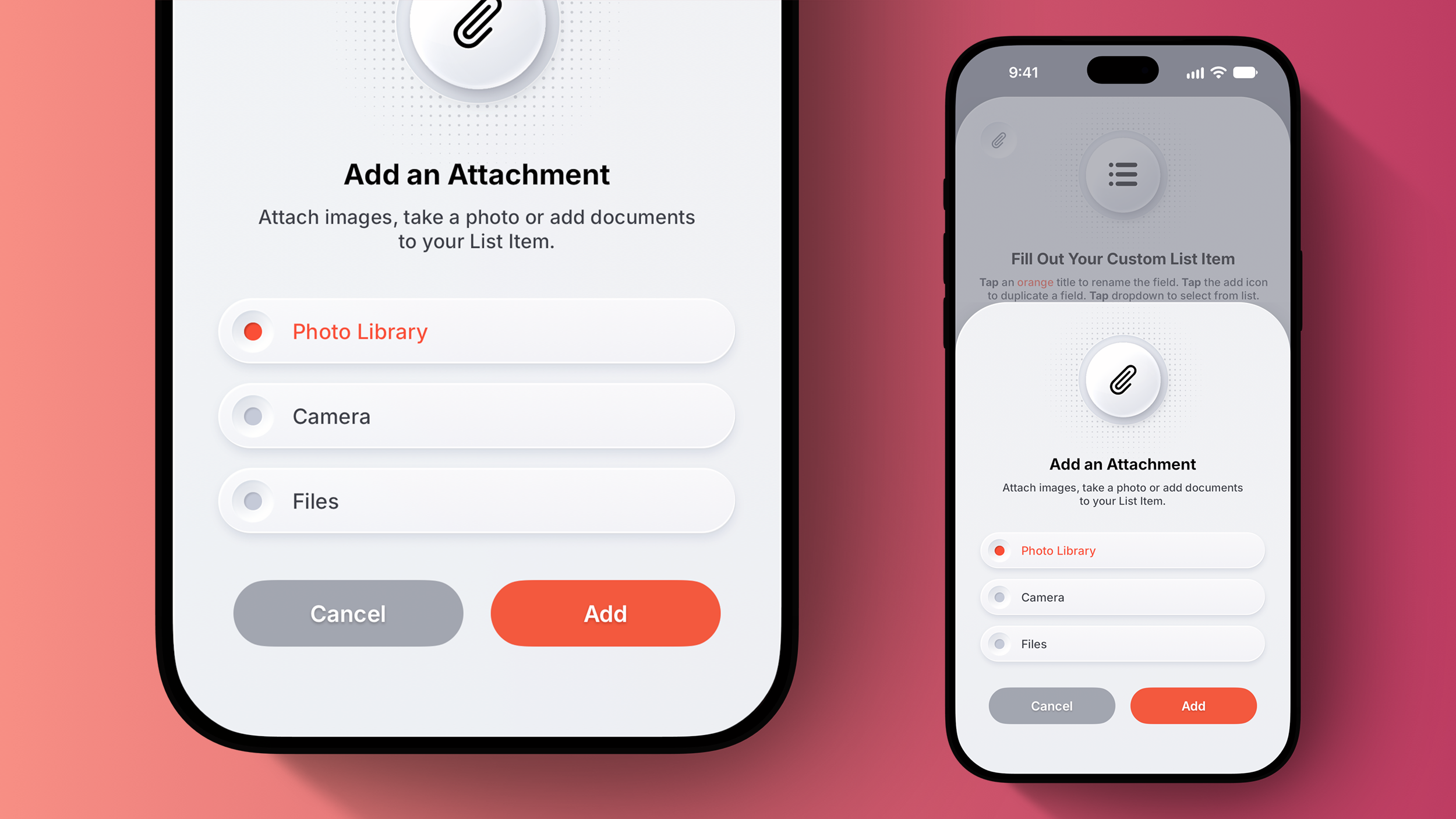
Attach images from your photo library, take a new picture, or add documents from Files directly to your list items.
Your Lists Are Yours. We Keep Them That Way.
Your Big List may contain some of the most important details in your life. That's why protecting your information isn't an afterthought. From encryption and mandatory two-factor authentication to PIN-protected categories and individual list items, we've built multiple layers of security into the experience to help keep your information safe.
Strong security shouldn't be complicated. Here are some of the ways The Big List helps protect your information.
Your information is protected with encryption while being transmitted and while stored, helping keep your personal details out of the wrong hands.
A password alone isn't enough. An additional verification step is required to help prevent unauthorized access to your account.
Use supported biometric authentication on compatible devices for convenient access without sacrificing an additional layer of security.
Add another layer of privacy to the information that matters most. Lock entire categories or individual list items with a personal PIN.
Continuous security monitoring helps identify suspicious activity and potential threats, providing protection around the clock.
Access to stored information is governed by strict controls designed to protect your data against unauthorized viewing or use.
Verify your identity, use your device's biometric features, and choose which lists deserve an extra layer of privacy.
An additional verification step helps protect your account during sign-in.
Use Face ID or Touch ID on supported devices for a more convenient sign-in experience.
Protect an entire category or individual list item with an additional PIN.
A Different Approach to Storing Financial Information
The Big List isn't intended to replace a dedicated password manager. While you can store passwords for everyday list items like websites, digital accounts, utilities, and more, our built-in banking and credit card templates deliberately leave out password fields to help protect your most sensitive financial information.
Instead, think of The Big List as a treasure map. Keep track of your financial accounts, insurance policies, investments, assets, and important documents, along with the details of what you have and where to find it when needed.
It's a practical way to help yourself, your family, or a designated recipient understand what exists and where to look, without requiring you to store sensitive banking credentials.
Financial Accounts
Know what accounts exist
Insurance & Policies
Keep important coverage details
Important Documents
Know where everything is kept
We're building The Big List to organize our own lives, too. So when it comes to protecting the information inside it, we take that responsibility personally.
If something happens to you, would someone know where to find your important documents or who to call? The Big List lets you choose someone (or multiple people) you trust and decide when they can access the information you’ve saved.
Invite your Designated Recipient when you sign up or later in Account Settings. They’ll set up their own account with a PIN and two-factor authentication.
If you turn on Inactivity Protection, you choose how long your account can go unused. If you’re inactive for that long, we’ll try to reach you before giving your recipient access.
If you enable Emergency Access Requests, your recipient can ask for access sooner. You decide how long you have to approve or deny the request and what happens if you don’t respond.
Choose a response window of 7, 14, or 30 days. If you don’t respond in time, The Big List follows the instruction you set in advance to either grant access automatically or withhold access for that request. That lets you plan ahead in case a serious illness or injury leaves you unable to respond, or if something catastrophic happens to you.
What happens when your family doesn't know what you own?
According to the National Association of Unclaimed Property Administrators (NAUPA), that includes forgotten bank accounts, investments, insurance proceeds, and other financial assets.
Some of that money belongs to people who have passed away, leaving surviving family members unaware those assets even exist.
Imagine spending your entire life building something, only for the people you love to have no idea where to find it.
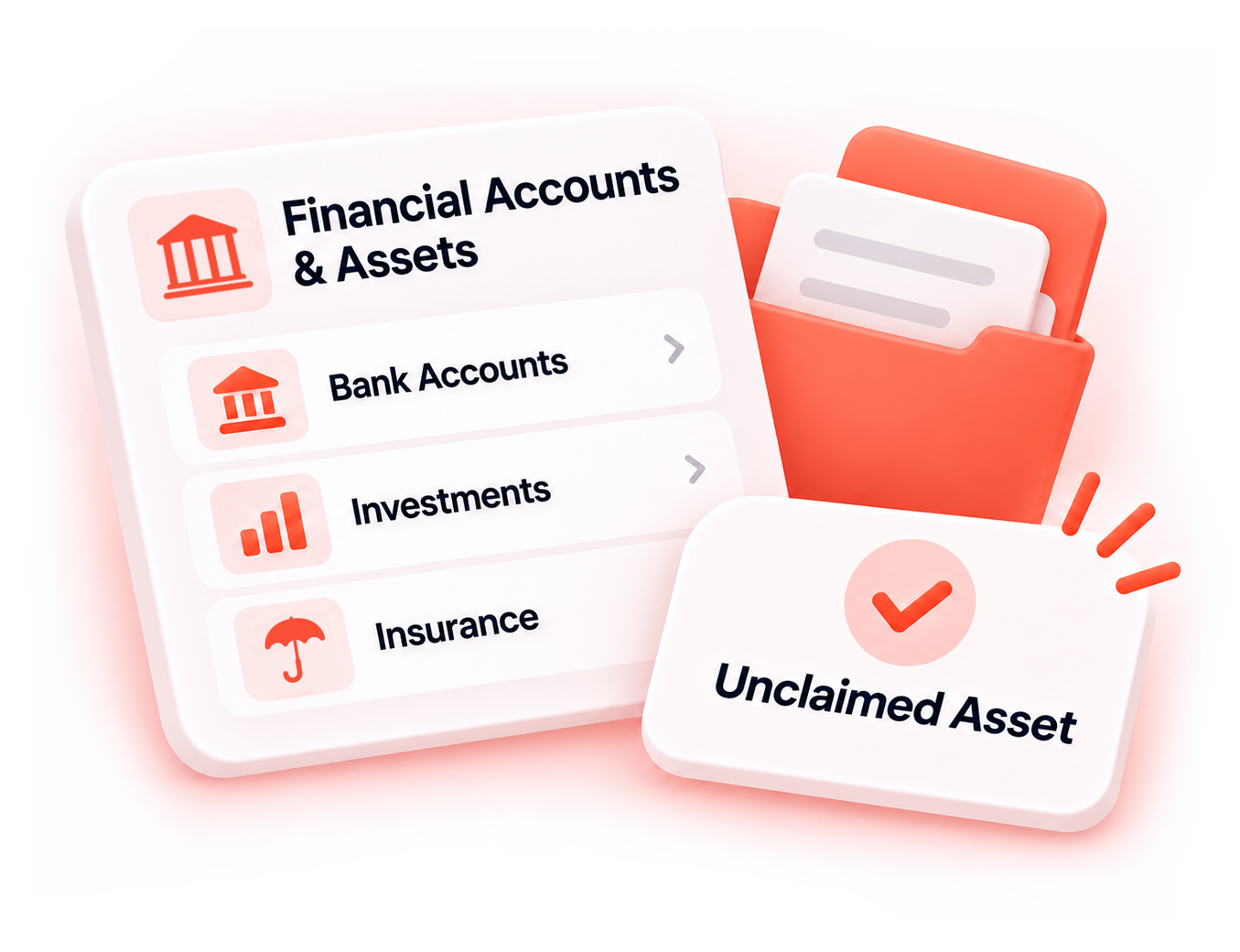
That's one of the reasons The Big List includes the Designated Recipient role. It lets you designate someone you trust so they aren't left searching for answers if something happens to you.
Organizing your life is important. Making sure the people you love aren't left in the dark is even more so.
Source: National Association of Unclaimed Property Administrators (NAUPA), 2023 national estimate, as referenced in April 2026 U.S. Senate Banking Committee correspondence. The $70 billion represents all unclaimed property, not exclusively unclaimed inheritances.
Because forgotten details can cost you more than time.
Being disorganized doesn't just waste time. It can quietly cost you money. From subscriptions you forgot about to important financial assets your family doesn't know exist, keeping track of life's details can make a bigger difference than you might think.
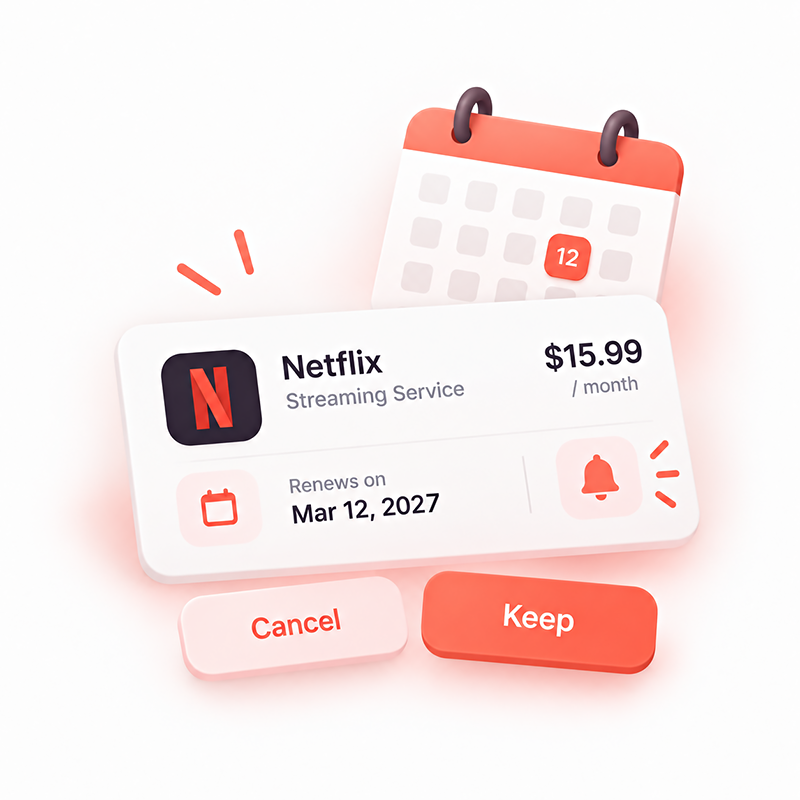
That streaming service, software subscription, or
gym membership you haven't used in months. Forgotten
subscriptions can quietly drain your bank account.
With The Big List, you can enter a renewal date and
set a reminder before your next charge, giving you
time to decide whether to keep or cancel it.
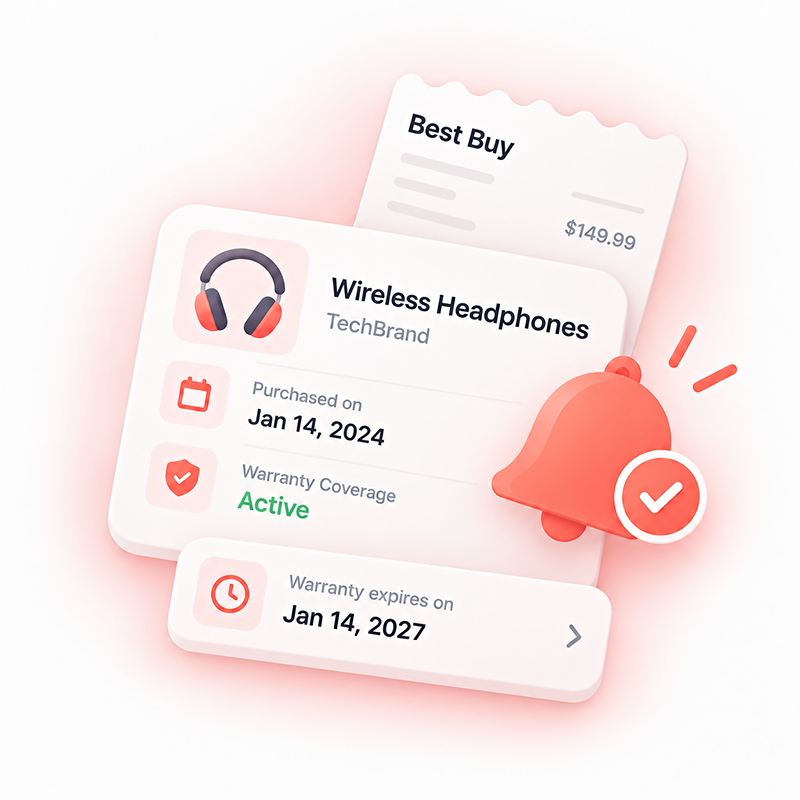
Something breaks, and suddenly you're facing an expensive replacement. But what if it's still under warranty?
The Big List keeps your receipts, purchase dates, and warranty information organized, so you can quickly check your coverage and avoid spending money you didn't have to.
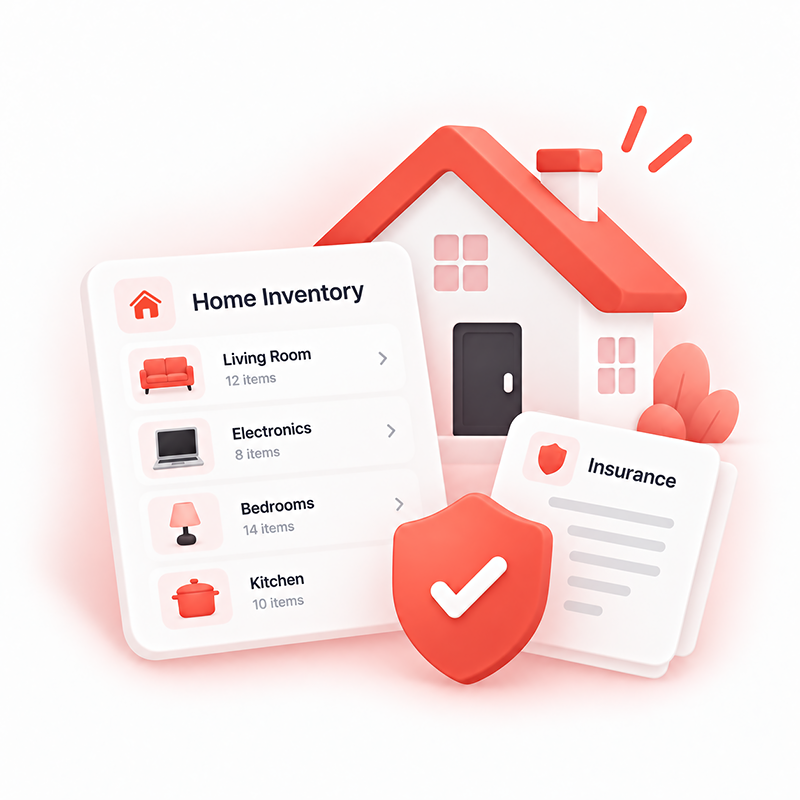
A hurricane, flood, fire, or theft can leave you scrambling to remember what you owned.
The Big List lets you create an up-to-date inventory with photos, receipts, estimated values, and insurance information to help speed up claims and ensure you receive full replacement value for lost, damaged, or stolen items.
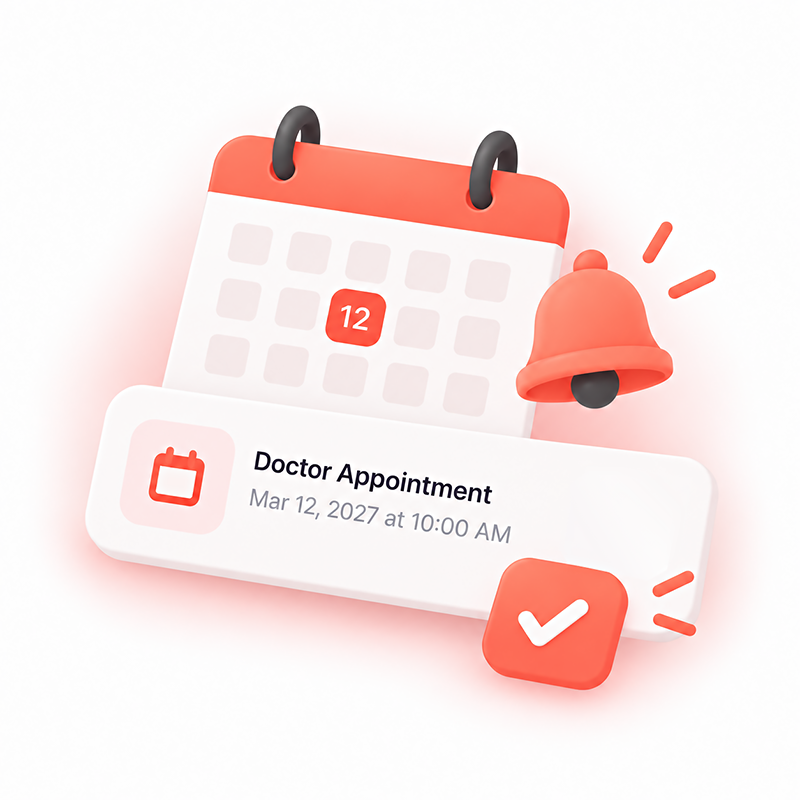
Insurance renewals, registration deadlines, annual
subscriptions, and other important dates are easy
to forget.
With The Big List, you can enter the
important date, choose a notification time, how you'd like to be notified, and how far in advance you'd like your reminder.
Four simple steps to stay ahead of important dates & renewal deadlines.
Never forget when a warranty expires, a subscription renews, or a bill is due. From birthdays and anniversaries to rent, mortgage payments, and other important deadlines, The Big List helps you stay ahead of it all.
Enter a date for a renewal, special occasion, or anything else you want to remember.
Choose the time you want your reminder notification to arrive.
Choose one of three ways to receive your reminder.
Choose how far in advance you'd like to be notified. And that's it!
Your Big List Goes Wherever You Go.
Access The Big List on iPhone, Android, and through the Web App (coming later) using one account that keeps your information synchronized across devices. Update something on one device, and your changes carry over to the other.
Your important information, ready whenever you need it. iPhone Duo support is also planned for launch.
Keep your lists and important details close at hand on your Android device, with the same account.

Web App Coming Later
Browser access is at the top of our roadmap, giving you another way to manage your lists in the near future.
Your lists and information stay synchronized across your signed-in devices, so you can pick up where you left off.
Take The Big List for a test drive.
Try The Big List with full access to every feature for 7 days at no cost. When your trial ends, your subscription automatically begins at $3.95/month unless you cancel. Canceling is easy. Check the FAQ below to learn how.
Explore the app. Free for 7 days.
Take The Big List for a test drive. Create Lists and see how it fits your life before deciding to commit.
Try it out. After the trial, your subscription begins at $3.95/month unless you cancel.
Flexibility, month to month.
Full access for one low monthly price, with the flexibility to cancel when you choose.
Recurring monthly payment. Your plan renews automatically until you cancel.
A full year. Better value.
Enjoy 12 months for the price of 10. Save $7.90 compared with paying monthly.
No auto-renewal by default. You can turn on automatic renewal anytime in Settings.
We don't like surprise long-term renewals, either. Your annual plan won't renew automatically unless you turn on auto-renewal in Account Settings. We'll remind you before it expires, so you can decide what works best for you.
You Have Questions. We Have Answers.
We've put together answers to the questions we think you'll ask most, from getting started and keeping your information secure to subscriptions, Designated Recipients, and what's coming next. Just open a section below to find what you need.
The Big List is a secure information management app that keeps the important details of your life in one place, from insurance and banking information to household records, contacts, documents, and anything else you need to find quickly.
Not at all. Start with a category, use a ready-made template or create your own, and add List Items at your own pace. You don’t need to fill everything out on day one. For example, a homeowners insurance List Item could hold your policy number, coverage, deductible, renewal date, and insurance contact information.
Absolutely. You can create categories, List Items, and custom fields that fit the way you live. You’re not limited to the examples or templates we provide.
No. Templates are simply a faster way to get started. You can use them, customize them, or build something completely from scratch.
Yes, and we encourage you to do so. Add photos and supporting documents to your List Items so the details and files you need stay together. This is perfect if you want to itemize and document your valuables for insurance purposes in case of storm damage, loss, or theft.
Yes. The Big List is designed for iPhone and Android and we’ll be adding a web version soon. Sign in with the same account on your devices, and your information stays synchronized.
Yes. Reorder your lists, customize their contents, and choose colors that make important information easier to recognize.
Yes. Set reminders for things like subscription renewals, warranties, appointments, and other dates you don’t want to miss.
Protecting your information is a core part of The Big List. Security features include encryption, access controls, mandatory two-factor authentication, and the ability to protect categories or individual List Items with a PIN. Compatible devices can also use biometric authentication.
Yes. Add PIN protection to individual categories or List Items when you want an extra layer of privacy.
No. The Big List is designed to help you keep track of important details and where to find them, not to require sensitive banking passwords or credit card PINs. As a matter of fact, we DO NOT want you storing passwords or PINs for sensitive or financial accounts.
Yes. You can delete your lists and individual List Items whenever you choose.
The monthly plan is $3.95 per month, and the annual plan is $39.50 per year. We also offer a seven-day free trial so you can explore the app before the monthly subscription begins.
Yes. Your seven-day trial includes full access to The Big List. If you don’t cancel before it ends, your monthly subscription begins automatically.
Your payment method lets your monthly subscription begin without interruption if you decide to continue after the trial. You won’t be charged for the monthly subscription during the seven-day trial, and we’ll remind you by email or text one day before it ends.
Yes. Cancel before your seven-day trial ends, and you won’t be charged for the monthly subscription.
Not by default. The annual plan expires at the end of its term unless you choose to enable automatic renewal in your account settings. We’ll remind you before it expires.
While automatic renewal makes sense for a monthly subscription, we feel differently about annual plans. We don't like being surprised by an unexpected yearly charge, and we figure you probably don't either. That's why we leave the decision up to you.
Other companies make it hard to cancel. Some even make you contact them first. We feel that you have a right to decide if The Big List is right for you. We think you’ll love it and find it invaluable, but if you don’t, we’ve made it super simple to cancel:
Go to Account Settings, scroll down to the Billing & Subscription section and tap or click “Cancel Subscription Plan.” You can cancel at any time. See? We told you it was easy.
Your information stays available to view, delete, or export. You won’t be able to add new categories, List Items or edit existing information without an active subscription. Your Designated Recipient access will also be deactivated.
Yes. If you Delete your account, we give you the option of downloading your data before we part ways.
A Designated Recipient is someone you trust to receive access to your information if you become inactive for a period you choose. It’s an optional feature, and you can skip it when you create your account. We don’t think you should skip it. It’s an important feature that will give peace of mind for your family or significant others.
You choose an inactivity period of 30, 60, or 90 days. If that period passes without you checking in, and you haven’t responded to the warnings, your Designated Recipient can be granted access through the designated access process.
Oh yes. We’ll send you multiple warnings by email and SMS well before your Designated Recipient is granted access. We want to give you plenty of time to respond. Simply sign in, confirm that you’re okay, and your inactivity timer will reset.
No. It’s entirely optional. You can use The Big List to store your own information for quick access without naming a recipient. And that’s perfectly fine too.
Absolutely. We're launching on iPhone and Android first, including support for the iPhone Duo and Android foldables. But a web version is at the very top of our to-do list. We want you to be able to access The Big List from your computer, too.
Yes. Once we've completed the web version, our next priority is a Family Plan that lets multiple family members interact with The Big List. We think this will be especially useful for caregivers and families who need to manage important information together.
Maybe! It's something we're considering for the mobile app. We know plenty of people prefer Dark Mode, and we're keeping it in mind as we plan future updates. No promises just yet!
And Everything That's Important to You.
We created The Big List to give you one secure, easy-to-use place to keep track of the important information in your life.
Keep your financial information together, from banking and brokerage accounts to loans, cryptocurrency, and more. Catalog household essentials like appliances, warranties, mortgage details, and trusted home service professionals. Keep track of medical contacts, medications, healthcare devices, and important health information.
For your pets, save microchip numbers, veterinary contacts, and vaccination records. For your digital life, keep track of streaming subscriptions, favorite websites, usernames, passwords, and other online accounts.
And if something happens to you, The Big List can help your loved ones navigate a difficult time. Create emergency checklists, document how bills are paid, preserve business continuity instructions, and leave behind the important details they'll need when they need them most. These are just a few examples of what you can do with The Big List.
Download The Big List today and start building your own personal catalog of everything that matters.
